
Home Technology Artificial intelligence 7 Best AI Avatar Generators & ...
CIO Bulletin, 18 November, 2026
Author:
CIO Bulletin Team
Most product pages already have everything a video needs except the person on camera. The specs are written, the photos are approved and the shipping terms are settled, yet booking a presenter, a studio and an editor can turn a two-minute explainer into a month-long project.
AI presenter avatars close that gap. You paste an approved script, pick a digital presenter and a voice, and get a narrated clip back in minutes. The tools differ a lot, though, in how real the presenter looks, what a free plan really covers and how well each one handles the jump from product page to social feed.
The strongest all-round option for stores combines a realistic presenter library, a photo-based personal avatar and wide language coverage in one editor.
Free plans are for testing. Most add a watermark or cap video length, so budget for a paid tier before publishing to a live product page.
Ad-first tools that start from a product URL or use creator-style actors suit high-volume ad testing, while presenter-first platforms suit explainers and localized product pages.
The avatar narrates, but real product photos and footage still carry the proof of size, material and fit.
Merchants who already publish short product clips know the hardest part to source is usually the presenter, not the footage. A product video asks less of an avatar than a training course does, but it asks for different things. The presenter has to hold attention in the first three seconds, read a product name and price without stumbling, and share the frame with real product shots without looking pasted on.
Four qualities matter most for a store:
Realism at phone size. Lip sync and gestures need to hold up on a small screen, where most shoppers watch.
Flexible framing. The presenter should be able to step aside for close-ups and demonstrations.
Language and voice range. Every market you ship to needs natural narration, including local accents.
Export flexibility. You will want both on-page embeds and vertical social formats from the same project.
We reviewed each platform's own pricing and feature pages, alongside current independent pricing breakdowns, between August and November 2026. Every tool had to offer a talking AI presenter, a self-serve way to start and a documented entry price. We then weighed avatar realism, product-video features such as URL import or product avatars, language coverage and what the entry plan actually includes.
Prices below are monthly in US dollars and change often, so confirm them on each vendor's site before subscribing.
|
Tool |
Best for |
Free option |
Paid entry (monthly) |
|
Synthesia |
Lifelike presenter explainers in many languages |
Free Basic plan, watermarked |
USD 19 after a USD 9 first month |
|
D-ID |
A talking presenter from a single photo |
14-day trial |
USD 5.90 Lite; commercial use from USD 29 Pro |
|
Colossyan |
Interactive explainers with quizzes |
Free Starter plan, branded |
USD 59 billed annually |
|
Creatify |
Video ads built from a product URL |
10 credits a month, watermarked |
USD 39 |
|
Arcads |
Creator-style actor ads |
No free plan |
USD 110 list for talking actors |
|
Vidnoz |
Testing avatar video at no cost |
Free plan, 720p, watermarked |
About USD 26.99 |
|
AI Studios by DeepBrain AI |
Unlimited videos on a single seat |
3 videos a month |
USD 24 |
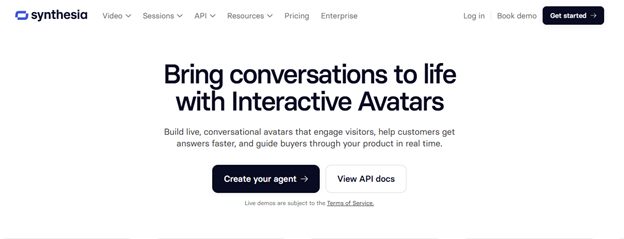
Best for: Stores that want lifelike presenters, their own digital twin and localized product explainers from one editor.
The library holds 240+ ready-made full-body avatars with natural gestures and expressions. A personal avatar can be built from a single photo after a live on-camera consent recording, Avatar Builder creates new characters from a prompt, and customizable avatars can change outfit and background, including with your own brand assets. Narration covers 140+ languages and 1,000+ voices.
For product explainers, Synthesia pairs that presenter range with an editor that accepts your own product images and footage, then shares the result by link or embed. It holds a 4.7 rating from 2,000+ G2 reviews and is used by over 90% of the Fortune 100.
Pricing: Free Basic plan with 10 minutes of video a month, watermarked. Starter costs USD 9 for the first month, then USD 19 a month.
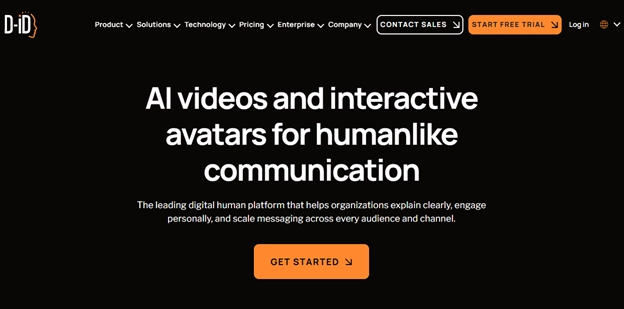
Best for: Merchants who want a talking presenter from a single photo at the lowest entry price.
Creative Reality Studio animates a still image into a talking presenter, so a founder headshot or a stock portrait can narrate a script without any filming. It suits short intros and quick product teasers, and separate API plans let teams generate avatar video inside their own systems.
The catch sits in the licence tiers. The entry Lite plan covers personal use only, so a store publishing commercial product videos needs Pro or above. Unused credits also expire at the end of each billing cycle.
Pricing: 14-day free trial. Lite starts at USD 5.90 a month, and commercial use starts on Pro at USD 29 a month.
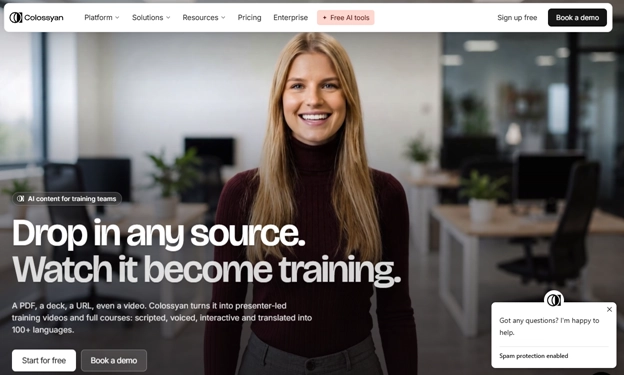
Best for: Stores that want interactive explainers, such as a size or use-case quiz, built into the video.
Every plan includes 300+ stock avatars and 700+ voices, and videos can carry quizzes and branching paths. That suits product walkthroughs where a shopper picks a use case and sees the matching answer. Scripts can start from a PowerPoint or PDF, which helps when product specs already live in a sales sheet.
The free Starter plan covers 20 minutes of video a month with Colossyan branding, and removing that branding requires Professional.
Pricing: Free Starter plan. Professional costs USD 59 a month billed annually, or USD 89 billed monthly.
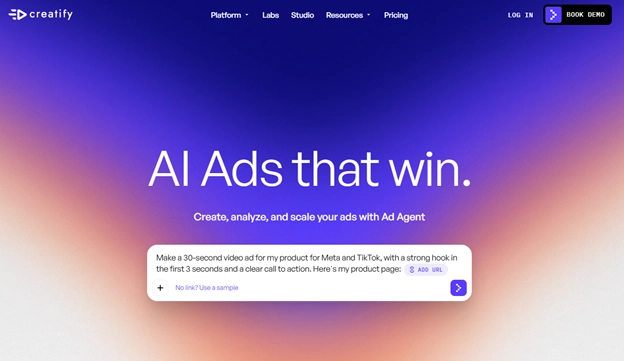
Best for: Ad testing at volume, starting from a product page link.
The URL-to-video workflow takes a product link, pulls in the listing details, writes scripts and renders avatar-led video ads. One SKU can become several hook variations in a single session, and the platform is built around short ad creative rather than long explainers.
Credits drive the real cost. URL-to-video and avatar videos draw 5 credits per 30 seconds of output, and unused credits do not roll over to the next month.
Pricing: Free plan with 10 credits a month, watermarked. Starter costs USD 39 a month for 100 credits, and Pro costs USD 99 a month for 300 credits.
Best for: Performance marketers who want creator-style actors for paid social tests.
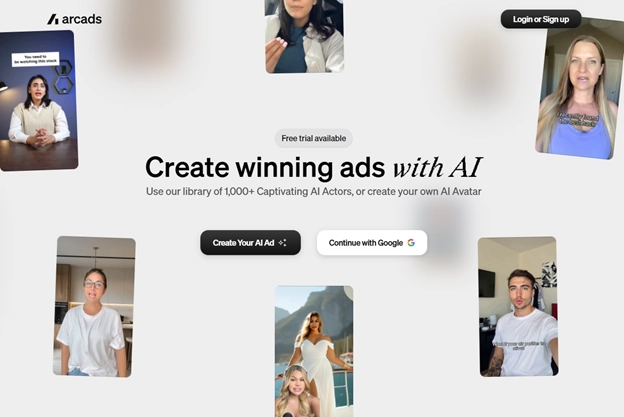
Arcads produces talking-actor ads set in casual, creator-style settings rather than a studio backdrop. Starter includes 300 AI actors, and each talking-actor video costs 800 credits per billed minute per actor, with runtime rounded up to the next full minute.
Dollar prices appear inside the app after sign-up rather than on a public page, and there is no free plan. Starter credits reset each month without rolling over.
Pricing: Talking actors start on Starter, listed at USD 110 a month for 8,000 credits, or roughly ten one-minute single-actor videos.
Best for: Stores testing avatar video at no cost before committing to a plan.
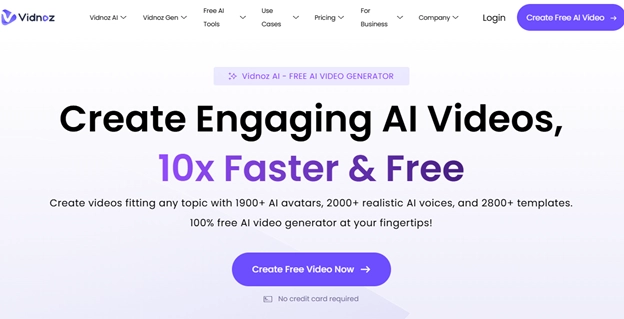
The library holds around 1,900 avatars, and a Product Avatar feature adds one free 15-second Product Avatar video a day on the free plan. Free videos run up to 3 minutes and export at 720p with a Vidnoz watermark.
Paid plans remove the watermark and unlock 1080p export. First-month discount banners appear often on the pricing page, so check the renewal price before subscribing.
Pricing: Free plan. Starter runs from about USD 26.99 a month on monthly billing.
Best for: Single-seat sellers who want unlimited avatar videos at a flat monthly rate.
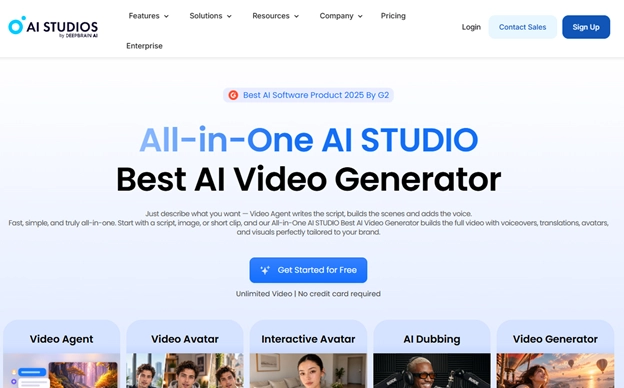
AI Studios offers 2,000+ ready-to-use avatars, with custom, photo and product avatar types plus lip-sync dubbing for multilingual versions. The Personal plan allows unlimited videos of up to 30 minutes each, with three custom avatars and 1080p export.
The free plan is limited to three videos a month of up to 3 minutes each, exported at 720p with a watermark, which makes it a trial rather than a production option.
Pricing: Free plan. Personal costs USD 24 a month.
Start with the job and where it fits in your wider e-commerce marketing plan. A product page explainer, a localized version for a new market and a batch of social ad hooks are three different briefs, and the strongest tool for one is rarely the strongest for all three.
Then check four things before you subscribe:
Watch a test export on a phone. Lip sync, hands and product edges that look fine on a monitor can fall apart on a 6-inch screen.
Price the full month, not the entry plan. Credits, minute caps and per-actor charges change the real cost of each finished video.
Confirm usage rights for every placement. Licences can differ between on-site product videos and paid promotion, and between avatar types, so read each vendor's terms for where the video will run.
Have a native speaker review translations. Prices, units, shipping coverage and return terms all need checking in every language version.
An avatar can explain a product, but it cannot prove that a lid seals or a jacket fits. Build each script from the approved specification list, cut to real photos and footage whenever a claim depends on appearance or performance, and keep the presenter's lines factual rather than personal. A digital presenter saying "I use this every day" implies an experience it never had, which regulators treat as a fake testimonial.
Label AI content wherever a platform asks for it. TikTok Ads Manager, for example, has a "This ad contains AI-generated content" toggle for standard ads. Then give each version its own campaign link and compare purchases, not just views, against your existing creative.
The right AI presenter turns an approved product page into a narrated video without a shoot. For most stores, a platform that combines realistic stock presenters, a personal avatar and broad language coverage handles the widest range of jobs, while URL-to-video and creator-style actor tools earn their place in ad testing.
Shortlist two or three tools, run the same script through each, and judge the exports on a phone. Keep real product footage at the centre of every clip, and let the avatar do what it does best: explain.
Everything you need to know about this news
For product explainers, the top pick in this guide is the first tool on the list, which combines 240+ lifelike stock presenters, photo-based personal avatars and 140+ languages in one editor.
Yes, most tools here offer a free plan or trial, but free exports usually carry a watermark or length cap, so they suit testing rather than a live product page.
Some tools can place a generated product in a scene, but that is an illustration only, so use real photos and footage whenever shoppers need to judge size, material or fit.
Often, yes: TikTok requires an AI-content label on qualifying ads, and the EU AI Act's Article 50 transparency rules have applied since August 2, 2026.
Entry paid plans in this list run from USD 5.90 to USD 110 a month, with most between USD 19 and USD 59, and credit or minute limits decide the real cost per video.













































 consultants ltd.jpg)


Comments